A template can earn money while I sleep, and that’s why this business model keeps pulling people in. Canva now has well over 220 million users, with recent public reporting putting it at about 265 million monthly active users, so the market for ready-made designs is huge.
If you’re searching for how to make money with Canva templates, the best part is simple: I can create a template once and sell it again and again. That makes it one of the most beginner-friendly digital products around.
The catch is that random pretty designs rarely sell for long. I need the right niche, the right platform, and a product that saves real time. That’s where the money starts to show up.
Start with template ideas people already want to buy
The fastest path is solving one clear problem. I don’t start by asking, “What do I want to design?” I start by asking, “What does someone need done faster today?”
That shift changes everything. Instead of making generic graphics, I look for buyers who already want help. I check Etsy search results, browse Creative Market categories, scan Pinterest trend pages, and read what small business owners complain about online. When the same need keeps popping up, I pay attention.
Right now, strong niches include social media packs, resumes, media kits, real estate templates, photographer client guides, invitations, lead magnets, and niche planners such as ADHD planners. Those sell because they save time, reduce stress, or help someone look more professional.
Pick a niche that solves one clear problem
Broad shops often feel messy. A focused shop feels useful.
For example, “planners” is too wide. “ADHD daily planner” is much clearer. “Social media templates” is broad. “Instagram templates for realtors” gives me a buyer, a purpose, and a style direction in one line.
That kind of focus also makes pricing easier. A student study planner has obvious value. A photographer welcome guide solves a business need. Buyers understand what they’re paying for because the result is concrete.
Buyers don’t pay for decoration alone. They pay for saved time and less guesswork.
Validate demand before you design anything
Before I make a single template, I test the idea. I look for Etsy listings with lots of reviews, because reviews show demand better than likes. Then I read the comments and see what buyers still wanted. Missing pages, weak instructions, poor mobile editing, and bland layouts all give me clues.
I also watch for repeat needs in creator groups and business communities. When people keep asking for the same kind of document, graphic pack, or planner, that’s a strong sign.
Personal taste matters far less than demand. A design I love might sit still for months. A useful design with a clear buyer often sells much faster.
Create Canva templates people will gladly pay for
Once I have a niche, I build for ease first and style second. I start with a clean layout, strong spacing, and a simple flow from page to page. Then I make every editable part obvious.
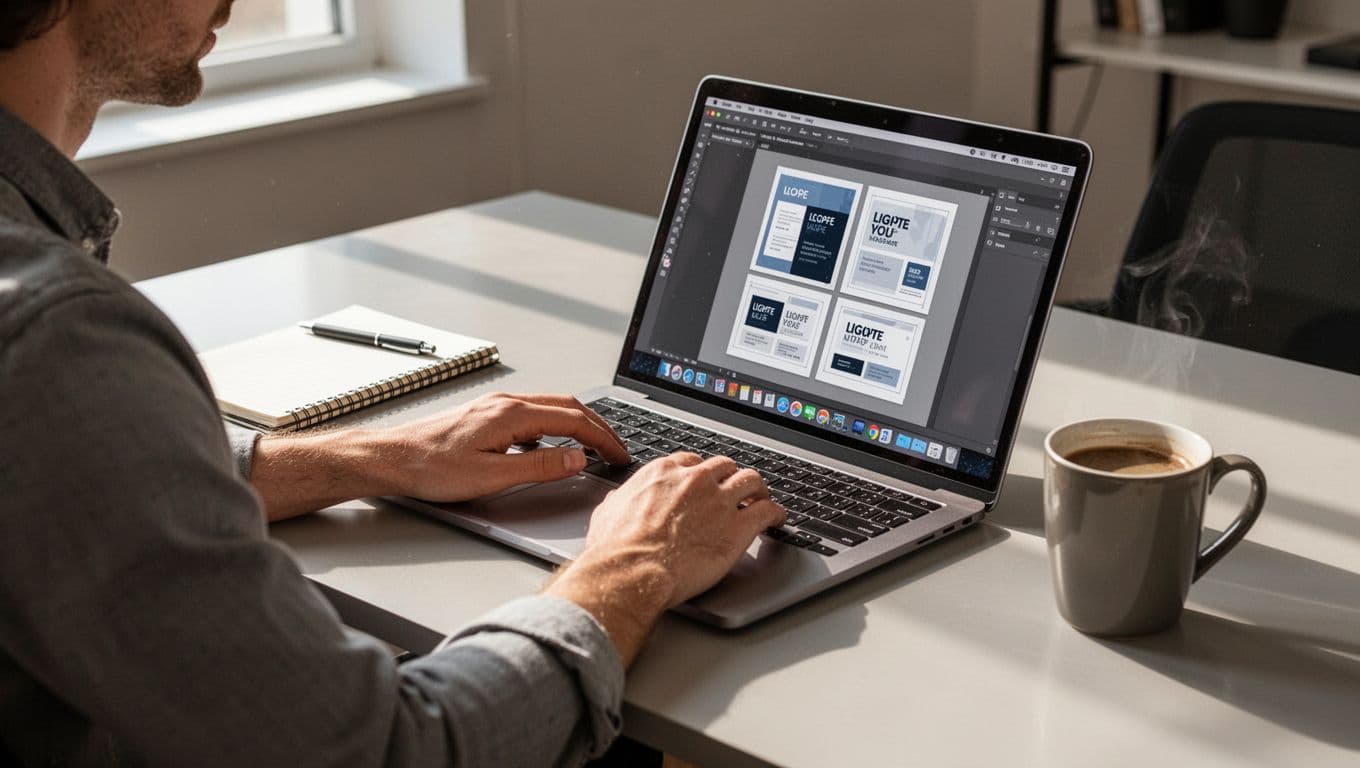
If a buyer opens my file and feels lost, the sale is already half broken. People buy templates to save time, not to decode my design choices. So I keep fonts readable, colors flexible, and text boxes easy to swap.
I also stay careful with licensing and originality. I create original designs, and I never copy Canva library layouts or another seller’s product. Before listing anything, I like reviewing a guide to selling Canva templates legally so I stay clear on commercial use, template delivery, and what crosses the line.
Make your templates easy to edit, not just nice to look at
Easy editing leads to better reviews. Better reviews lead to repeat buyers.
I use clear placeholders like “add photo here” or simple section titles inside the design. I group elements neatly, keep page structures consistent, and avoid overbuilding with too many layers. If I use fancy effects, I ask whether they help the buyer or only impress me.
Flexible templates also sell better. A resume should work for more than one industry. A media kit should allow color swaps without falling apart. When the design bends without breaking, buyers feel smart for choosing it.
Package the product so it feels polished and ready to use
The template itself is only part of the product. Packaging shapes the buyer’s first impression.
I usually deliver a short PDF that includes the Canva template link, a thank-you note, basic edit steps, and support details. That matters because Canva templates are often delivered through links, not bulky file packs, and that’s the cleanest method when editable access is the whole point.
Mockups help just as much. Buyers want to picture the result in real life, on a phone screen, on a desktop, or printed on paper. A template can be great, but if the preview looks flat, many shoppers will scroll right past it.
Choose the best places to sell your Canva templates
Where I sell affects how fast I get traction. Some platforms bring built-in traffic. Others give me more control and better margins.
Here’s the quick comparison I use when choosing where to start:
| Platform | Best for | Main strength | Trade-off |
|---|---|---|---|
| Etsy | Beginners | Built-in buyer traffic | Fees and strong competition |
| Creative Market | Design-focused products | Polished creative audience | Harder for brand-new sellers |
| Gumroad or Sellfy | Simple digital selling | Fast setup and good margins | I have to drive traffic |
| Shopify or personal site | Long-term brand building | Full control and email capture | More work to get visitors |
For most beginners, I think one platform is enough at first. Once I have a few proven products, I can branch out.
Why Etsy is the easiest place to get your first sales
Etsy is still the easiest place for many new sellers because buyers are already searching there. The marketplace has about 86.6 million active buyers, which gives even a small shop a chance to get seen.
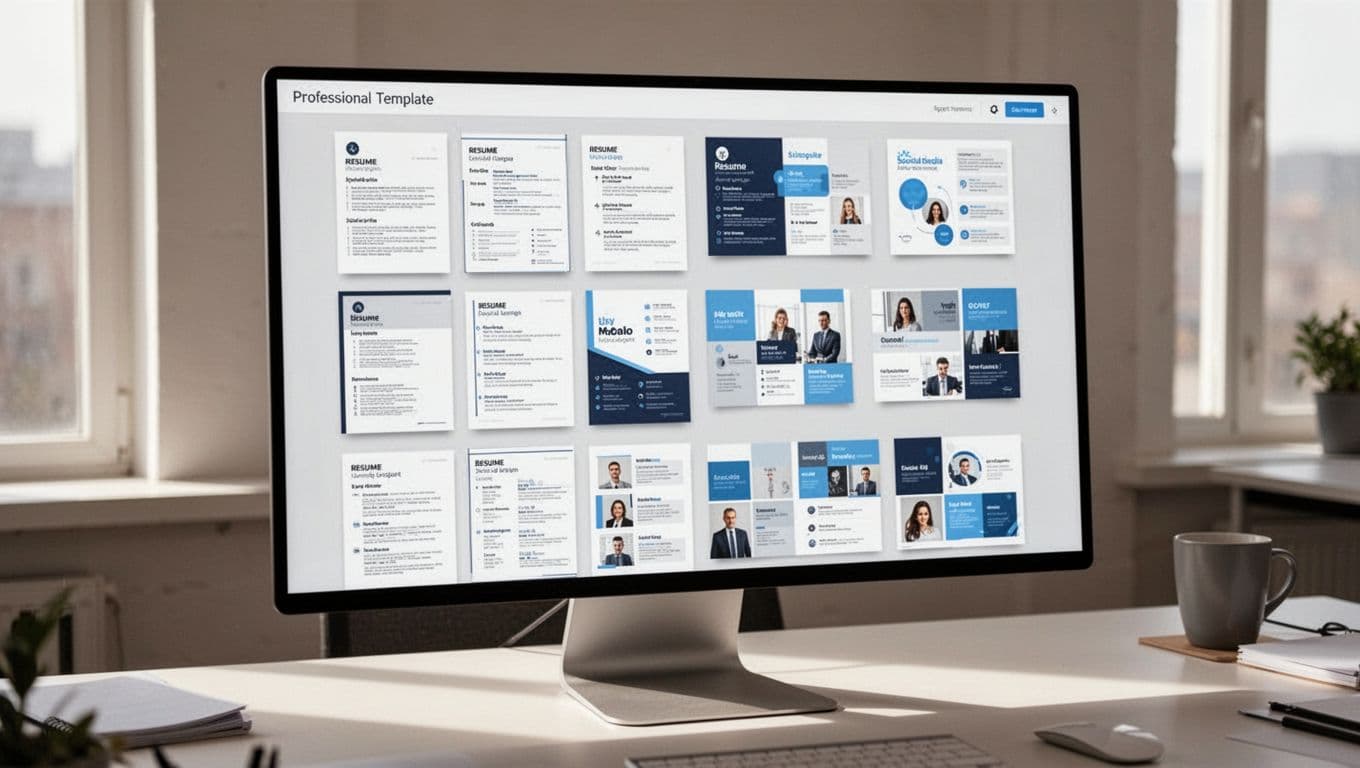
I like Etsy for first sales because trust is built in. Buyers already understand digital downloads there, and they expect instant delivery. For a solid listing, I write a natural title with clear search terms, use bright mockups, explain the benefit fast, and show what the buyer receives.
If I need a refresher on setup and delivery, I check this guide to selling digital downloads on Etsy. It covers the basics that often trip up new sellers, especially around instant download flow.
When it makes sense to sell on your own site too
A personal site becomes more useful once I have a small catalog and some traffic coming in. That’s when control starts to matter more.
On my own site, I can build bundles, grow an email list, test offers, and keep more of each sale. I can also shape the full brand feel instead of blending into a marketplace grid. Platforms like Sellfy, Gumroad, and Shopify help with that, and this Canva template selling guide gives a helpful overview of how those options fit different stages.
Creative Market can work well too, especially for design-heavy products. If I want a more curated, creative audience, I look at resources on selling on Creative Market and compare the fit to my product style.
Price your templates for profit, then grow with bundles and repeat sales
Pricing doesn’t need to feel like math class. I start simple and let buyer response guide me.
In today’s market, many single Canva templates sell for about $5 to $15. Small bundles often land around $20 to $30, depending on the niche, polish, and number of pages or files. Business templates can often support higher pricing because the value is tied to time saved and client-facing results.
Start with simple pricing, then adjust based on buyer response
I always check competing listings before pricing. That gives me a feel for the market, but I don’t race to the bottom. Underpricing can hurt as much as overpricing, especially when the product solves a business problem.
Digital products have strong margins because there’s no inventory and no shipping. So even small price changes matter. If a listing gets clicks but few sales, I test the thumbnail, description, or offer before slashing the price.
Turn one template into a small product line
This is where steady income starts to grow. One good template can branch into several related products.
An Instagram post pack can turn into story templates, Pinterest pins, carousel posts, and matching lead magnets. A resume template can become a cover letter, reference sheet, and portfolio page. A planner can grow into weekly, monthly, and niche-specific versions.
That kind of product line does two things. First, it raises average order value through bundles. Second, it gives past buyers a reason to come back. I don’t need dozens of random products. I need a small family of offers that fit together.
You do not need a giant shop to start making money. You need one useful template for one clear person.
If I were starting today, I’d choose a niche, validate demand, build an original template that’s easy to edit, and list it on Etsy first. Then I’d improve it from buyer feedback instead of guessing in the dark.
Pick one idea today and sketch the first version before you close this page. That’s how this stops being a nice side hustle idea and starts becoming income.