Learning how to make money selling PDFs is one of the cheapest ways I know to start online. I create one file, upload it once, and sell it again and again.
A PDF product can be a guide, planner, checklist, workbook, template, printable, or short ebook. The trick isn’t making a huge file. It’s making a useful one. I keep the process simple: pick a narrow idea, build a clean PDF, sell it in the right place, and get traffic without turning it into an expensive project.
Start with a PDF people already want to buy
Strong sales start with one clear problem for one clear group of people. In March 2026, the most popular PDF categories still look practical: educational guides, digital planners, worksheets, checklists, printables, templates, and short niche ebooks. Roundups of digital product ideas for 2026 keep showing the same pattern I trust most, simple products sell when they save time or remove stress.
Broad ideas usually flop because they feel vague. A PDF for “everyone” often helps no one. I do better when I zoom in on one buyer and one pain point.
Choose a niche that solves a small, urgent problem
Small niches work because buyers want speed, clarity, and convenience. A budget planner for new moms is stronger than a general finance workbook. A meal prep guide for busy workers is easier to sell than a giant healthy eating ebook.
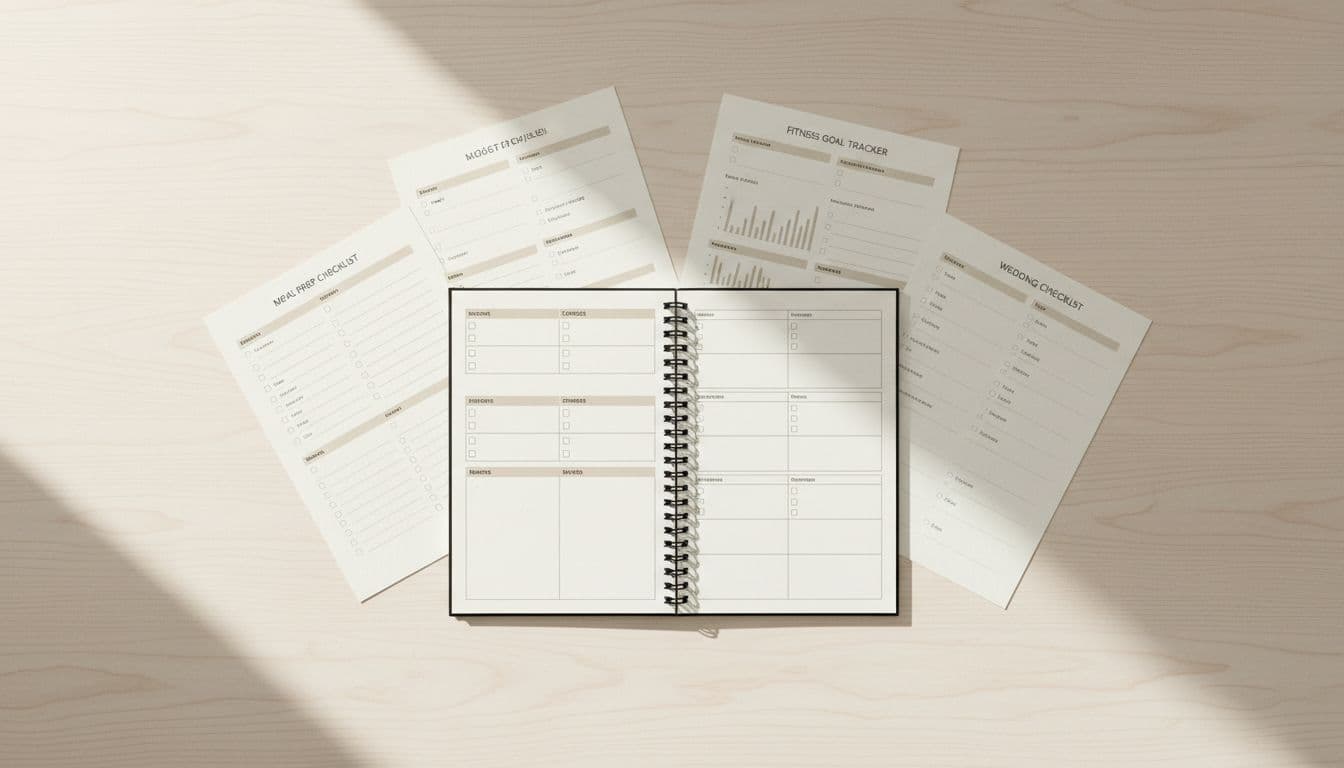
The same logic works across dozens of niches. Wedding checklists, homeschool worksheets, fitness trackers, resume templates, and client onboarding packets all sell because they help people act fast. When life feels messy, a well-made PDF feels like a shortcut.
Buyers don’t pay for page count. They pay for a faster win.
Validate the idea before I spend hours making it
Before I build anything, I check whether people already want it. I look at Etsy search suggestions, Amazon ebook listings, creator groups, and repeated questions on social media. Then I read reviews on similar products, especially the middle reviews, because that’s where gaps show up.
If buyers keep saying a product is too generic, hard to print, or missing examples, I take notes. Browsing current digital products to sell on Etsy also helps me spot patterns in bundles, covers, and categories. For a faster test, I post a simple poll or collect emails for a waitlist. Ten replies can save me ten wasted hours.
Create a PDF that feels useful, polished, and worth paying for
Once the idea is clear, I don’t need fancy software. A good PDF feels useful from the first page. That means a clear result, clean layout, easy writing, and a design that feels trustworthy. Canva, Google Docs, and Word are enough for most products because I can export them straight to PDF.
I keep the product focused. Trying to pack in everything usually makes it weaker. A short workbook that solves one problem cleanly often outsells a long file stuffed with filler.
Make the content easy to use from the first page
I want buyers to know what the PDF does within seconds. So I start with a benefit-driven title, a short intro, and a table of contents if the file is long enough to need one. After that, I keep things simple with action steps, examples, worksheets, and a clear next step.
Readability matters more than style. I use short paragraphs, roomy spacing, clear section labels, and mobile-friendly formatting. Many buyers open a PDF on their phone first, so dense text is a quick way to lose trust.
A focused file also feels easier to finish. That matters because people love products they can use right away.
Package the PDF so it looks more valuable
Presentation changes how buyers judge value. A clean cover tells people the file is organized. A stronger product name tells them what they’ll get. Preview pages reduce doubt because buyers can see the layout before they pay.
I also like adding one small bonus, such as a checklist, template, or quick-start page. That makes the product feel more complete without making it bloated. Later, I can turn related PDFs into bundles, but at the start I want one polished product that solves one job well.
Pick the best place to sell your PDFs
Where I sell matters almost as much as what I sell. For beginners, I care most about setup speed, file delivery, fees, and whether the platform has built-in traffic. If I want a broader comparison, this guide to best platforms to sell digital products is a useful starting point.
Here’s the quick way I compare the main options:
| Platform | Best when I want | Main upside | Main trade-off |
|---|---|---|---|
| Gumroad | Fast setup | Easy delivery, simple checkout | I bring most traffic |
| Payhip | Easy selling with basic tools | Coupons, bundles, clean setup | I still need promotion |
| Etsy | Built-in shopper traffic | Great for printables and planners | Fees and heavy competition |
| Amazon KDP | Ebook reach | Huge audience for guides | Less brand control |
| Shopify | My own branded store | More control and higher lifetime value | More setup and cost |
The right choice depends on how fast I want to launch and how much control I want later.
Use marketplaces when I want faster exposure
Marketplaces help me get seen sooner. Etsy is strong for planners, checklists, worksheets, and printables because buyers are already searching for those products. Amazon KDP makes sense for short ebooks and niche guides.
The trade-off is easy to understand. I get access to traffic, but I also face more competition and less control over branding. If I’m new and want faster exposure, that can still be worth it.
Use my own storefront when I want more control and profit
When I want to build a real customer base, I like Gumroad, Payhip, or Shopify. These platforms make it easier for me to test prices, offer bundles, collect emails, and sell a second product later.
I work harder for traffic, but I keep more control over the customer relationship. That’s a big deal if I want repeat buyers instead of one-off sales.
Get your first sales by promoting the PDF in simple ways
A great PDF won’t sell if no one sees it. So I focus on simple promotion I can repeat every week. In 2026, the channels I like most are Pinterest, short-form video, email, and search-friendly product pages because they can keep bringing traffic after I post once.
I don’t need a huge funnel. I need clear offers and steady visibility.
Write a product page that sells the result, not just the file
My product page talks about the outcome first. I explain who the PDF helps, what problem it solves, what’s inside, how fast buyers can use it, and why it saves time. Preview images matter because people want proof, not hype.
The wording also matters. “Printable wedding checklist that keeps every deadline in one place” sells better than “12-page PDF download.” One names a file. The other names relief.
I also add a clear call to action and a few FAQs about printing, devices, edits, and refunds. Those small details cut buyer hesitation.
Use content marketing to bring in buyers over time
Helpful content can keep working long after I publish it. Pinterest is especially strong in 2026 because it acts more like a search engine than a fast-moving social app. This guide to making money on Pinterest with products lines up with what I keep seeing, old pins can keep sending clicks for months.
Besides Pinterest, I like blog posts, YouTube tutorials, TikTok demos, Instagram reels, and a free lead magnet that matches the paid PDF. If I sell a resume template, I can post quick job search tips. If I sell a meal planner, I can share a short weekly prep routine. One useful post can keep feeding sales long after the day it goes live.
Price for profit, then improve what sells
Pricing feels scary at first, but it gets easier when I focus on value. A 10-page PDF that saves two hours can be worth more than a 60-page file nobody finishes. Current trends still show many beginner-friendly PDFs landing around $10 to $20, especially when the problem is clear and the design looks clean.
Price is not permanent. That’s the good news.
Start with a fair price, then test and adjust
I price based on the result, the niche, and the competition, not the page count. If similar products cost $7 and mine includes a better layout plus a bonus template, I might test $12. If sales are slow, I change one factor at a time, such as the price, title, cover, or description.
That slow testing matters because random changes create random results. I want to know what actually improved conversion.
Turn one good PDF into repeat income
One strong PDF can grow into a small product line. A budget planner can become debt trackers, cash envelope inserts, and yearly bundles. A homeschool worksheet pack can turn into seasonal editions or skill-based add-ons.
I can also follow up with buyers by email and recommend related products. When I need ideas for smart next steps, lists of profitable digital products to sell in 2026 help me spot natural add-ons. That’s how a single download starts turning into repeat income.
I don’t need a huge audience, advanced design skills, or a big budget to start. I need one useful idea, one clear PDF, one good place to sell it, and steady promotion.
That’s the heart of how to make money selling PDFs. I solve one problem well, then I improve what buyers respond to.
Pick one idea today and list it this week. The first PDF is the hardest one, and that’s exactly why I want it live now.