You do not need a website, paid ads, or fancy tools to begin. If I were starting from zero today, Pinterest would still be one of my first picks.
That’s because Pinterest works more like a search engine than a social app. A good pin can keep bringing clicks for months, sometimes longer, while a post on most platforms fades fast. So if you want to learn how to start affiliate marketing with no money on Pinterest, the path is simple: use a free business account, free design tools, and free affiliate programs.
I wouldn’t expect instant money, though. I’d expect a slow build, a few early wins, and a system that gets better each week.

Set up your Pinterest account the right way from day one
The first thing I’d do is open a free Pinterest business account. That matters because I want analytics, better account control, and a setup that fits business use from the start. If I already had a personal account, I’d convert it instead of juggling two random profiles.
I keep one business account only. Multiple duplicate accounts can create problems, and Pinterest doesn’t like spammy behavior. I also choose one clear niche before I fill out anything. My profile photo stays simple, my display name says what I post about, and my bio tells people exactly what kind of ideas they’ll find.
If I need extra help with setup, I’d skim a solid Pinterest business account walkthrough and keep it basic. I don’t try to make the profile clever. I try to make it clear.
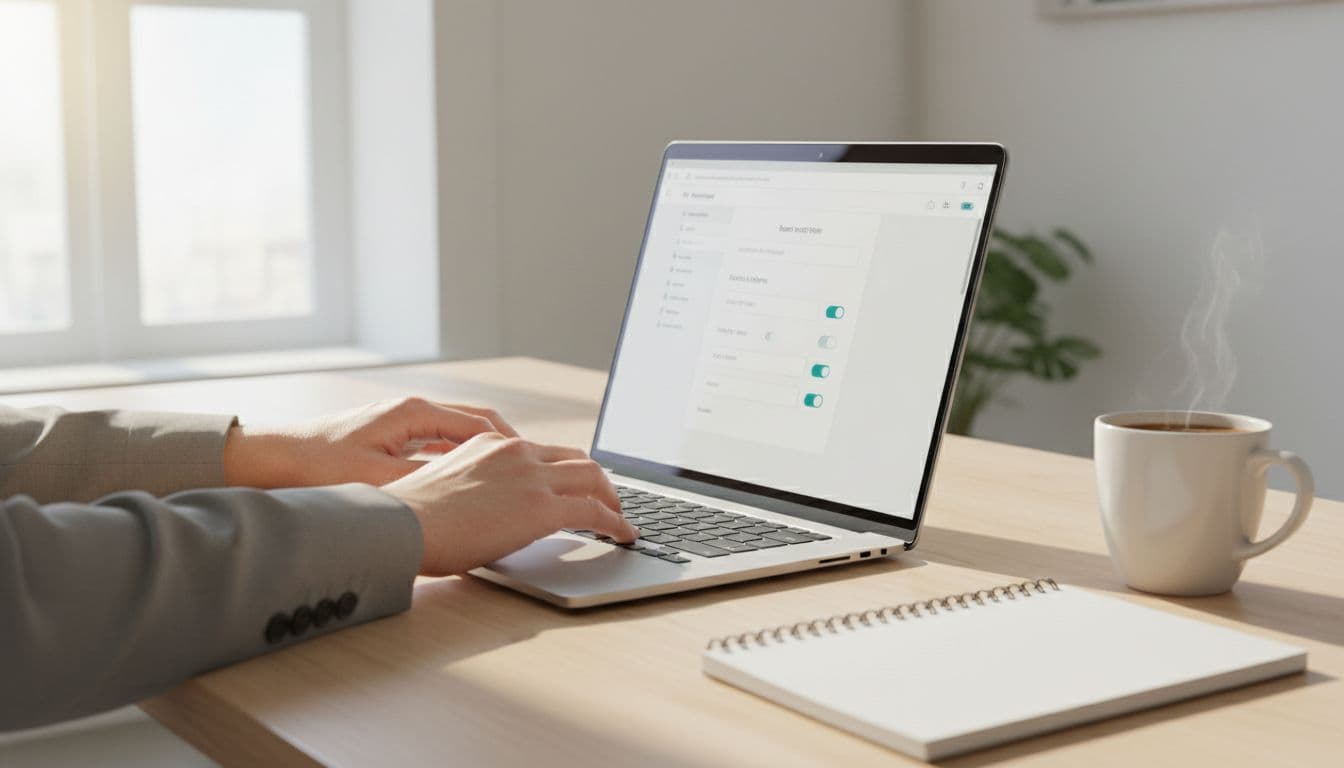
If an affiliate program doesn’t allow direct Pinterest links, I use a free link hub page. It gives me one clean place to send traffic without needing a full site on day one.
Choose one niche that is easy to pin and easy to monetize
I don’t start broad. “Lifestyle” is too wide. “Home office organization for small spaces” is much better.
Pinterest rewards focus because the platform wants to understand what my account is about. I like niches that are visual and easy to connect to products. Home decor, beauty, recipes, fitness, travel gear, and budgeting all work well because people search those topics with buying intent.
I also ask one practical question: can I make 50 helpful pins on this topic without forcing it? If the answer is no, I skip it.
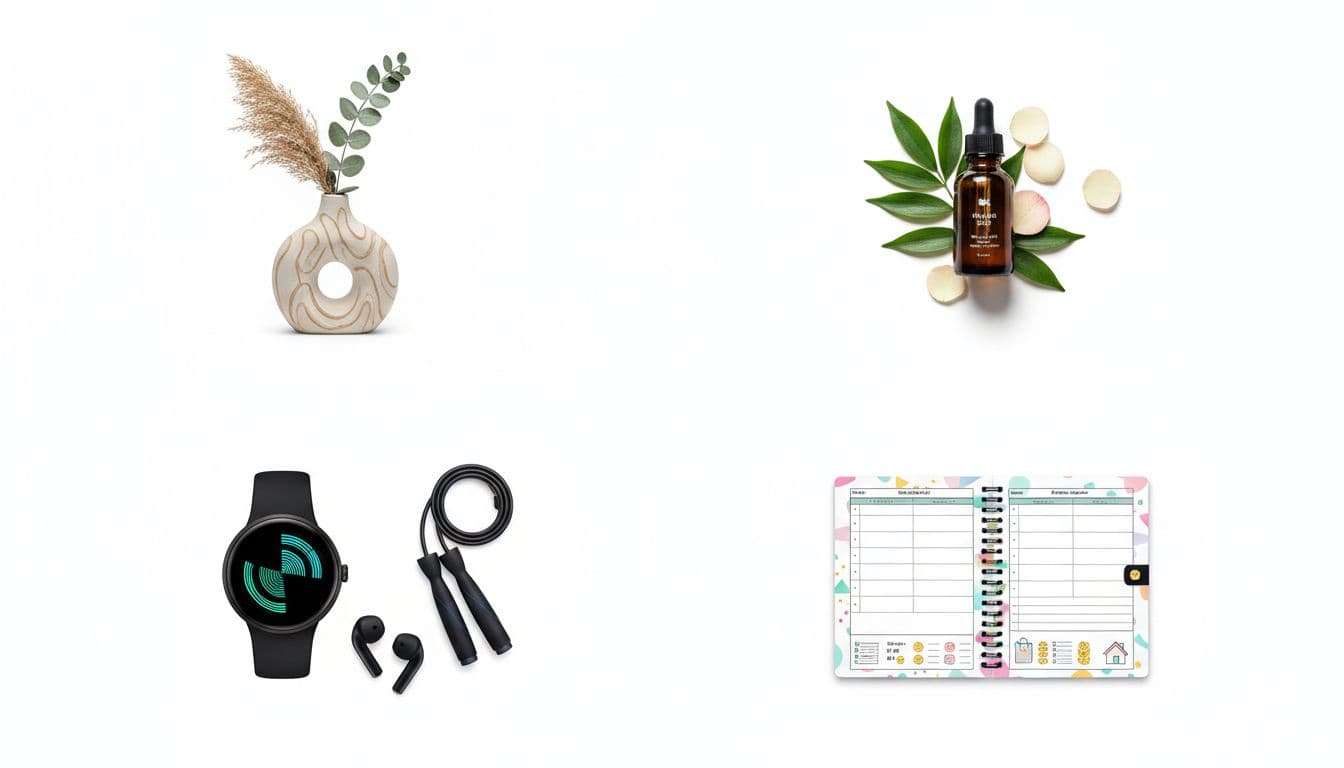
A niche should give me room for tutorials, comparisons, gift ideas, and problem-solving content. That’s how I avoid posting random product photos that no one cares about.
Create boards and a profile that tell Pinterest what your content is about
I name boards with phrases real people search. That means “Small Pantry Organization Ideas” beats “Kitchen Inspo.” Clear wins.
Then I start with a small handful of boards, usually five to eight. Too many boards at once makes the account look messy. I’d rather have a few focused boards than twenty vague ones.
Think of Pinterest like a library shelf. If everything is labeled well, the right people find it faster.
Pick free affiliate programs that fit Pinterest and follow the rules
Next, I join a few free affiliate programs that match my niche. I don’t join ten at once. Two or three is enough in the beginning.
Common starting points include ShareASale, Amazon Associates, and brand-run affiliate programs in a specific niche. Still, I never assume a program allows Pinterest links. Some brands want traffic sent to a blog or landing page first. Some want a website during approval. Others allow direct linking, but only if the content is compliant.
That’s why I read the terms before I post anything. If I want a wider pool of options, I can browse a current list of affiliate programs for Pinterest creators and then filter for offers that fit my niche and skill level.
I also keep my posting clean. No misleading promises. No stuffing the same link everywhere. No copy-paste spam.
Pinterest can send steady traffic, but only if I act like a helpful creator, not a coupon machine.
Find products people already want, not random offers
I choose products that solve a clear problem. That’s the easiest way to earn clicks and trust.
For example, if my niche is budgeting, I can promote planners, sinking fund binders, or printable finance tools. If I’m in fitness, I can promote resistance bands, meal prep tools, or beginner workout gear.
I like content angles that feel useful, such as simple roundups, gift guides, product comparisons, and how-to posts. “Best pantry bins for apartments” is stronger than “cool storage products.” One solves a real need.
If the product looks good in a pin and makes sense for the searcher, I’m on the right track.
Know the Pinterest and affiliate rules before you post your first link
This part matters more than beginners think. I always disclose affiliate content clearly in the pin description, with wording like “affiliate link” or “#ad.” Hiding that is a bad move.
I also avoid duplicate accounts, mass posting, and low-quality repeated pins. Pinterest’s 2026 system favors helpful content, fresh designs, relevance, and steady activity. It’s not about flooding the platform. It’s about matching what people search for with clean, useful pins.
If I want a good overview of current best practices, I’d review this Pinterest affiliate marketing guide for beginners. It lines up with what still works now: clear keywords, fresh pins, and staying within both Pinterest rules and program rules.
Make free pins that get clicks, saves, and trust
This is where the work starts paying off. I make my pins in Canva’s free plan, and I keep them simple. Pinterest is not the place for cluttered design or tiny text.
A strong pin usually has one job. It promises one clear benefit, uses one strong image, and points to one useful next step. I aim for a tall image size, usually 1000 by 1500 pixels, because that fits the platform well.
I also mix affiliate pins with non-promotional pins. That balance matters. If every pin screams “buy this,” people tune out. Pinterest does too. Helpful content builds trust first, then clicks come more naturally.
In 2026, Pinterest still rewards content that feels real, useful, and easy to act on. Short video pins are getting more attention, and seasonal trends can move fast. Still, I’d build my base with evergreen ideas first, because those can bring traffic long after I post them.
Use Pinterest search to find pin ideas people are already looking for
I don’t guess what people want. I use Pinterest search itself.
When I type a phrase into the search bar, Pinterest suggests related searches. Those suggestion bubbles are gold. They show how people refine their search, and many of those phrases reveal buying intent.
For example, “meal prep” can branch into containers, budget meals, healthy lunch ideas, or small kitchen storage. That gives me multiple pin ideas from one topic.
I also watch seasonal patterns. Holiday gift ideas, back-to-school organization, and summer travel lists can spike hard. Still, I start with evergreen content first, because evergreen pins are like little workers that never clock out.
A detailed step-by-step Pinterest affiliate guide can help if I want more ideas on search-driven content angles.
Design simple pins that look helpful, not pushy
I keep my design clean and easy to read. One bold headline. One clear image. Strong contrast. Two fonts at most.
If a pin looks like a noisy ad, I skip it. I want it to feel more like a useful magazine cover than a flashing banner. That shift makes a huge difference.
I also test three to five designs for the same topic. Maybe one uses a close-up product shot. Another uses a lifestyle photo. A third focuses on the promise. Often, one version pulls ahead fast.
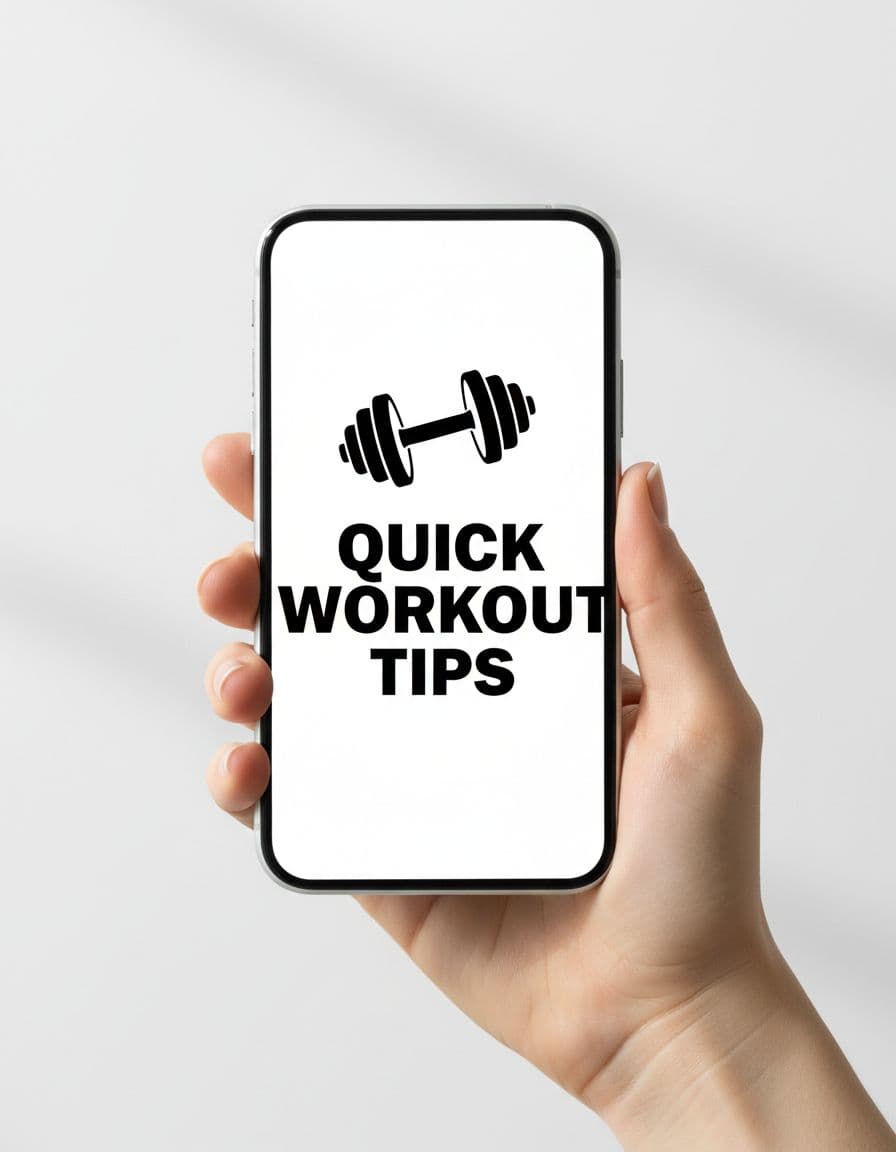
My titles and descriptions stay search-friendly too. I use the same plain language people would type into Pinterest, because that helps the platform understand where the pin belongs.
Grow your account for free with a simple weekly system
Pinterest growth doesn’t depend much on followers. That surprises a lot of people. What matters more is fresh pinning, good topics, and consistent activity.
So I build a weekly system I can keep. Nothing fancy. Nothing expensive. The free scheduler inside Pinterest is enough to start. I batch a small set of pins, schedule them, and then check results once a week.
Pinterest has more than 600 million monthly users now, and the platform still acts like a discovery engine. That means a tiny account can still get found if the content fits the search.
I’d rather post a few fresh, useful pins every week than burn out trying to look busy every day.
Start with a small posting routine you can actually keep
My beginner routine would look like this: create 10 to 15 pins each week, then schedule one to three fresh pins per day.
That’s manageable, even with a job or school. I’d make multiple pin versions from one topic, which saves time. One article idea or product angle can easily turn into several fresh pins.
Short video pins can help too, especially for demos, before-and-after visuals, or quick tips. But I wouldn’t force video if static pins are easier for me to make well.
Watch your clicks and saves, then do more of what works
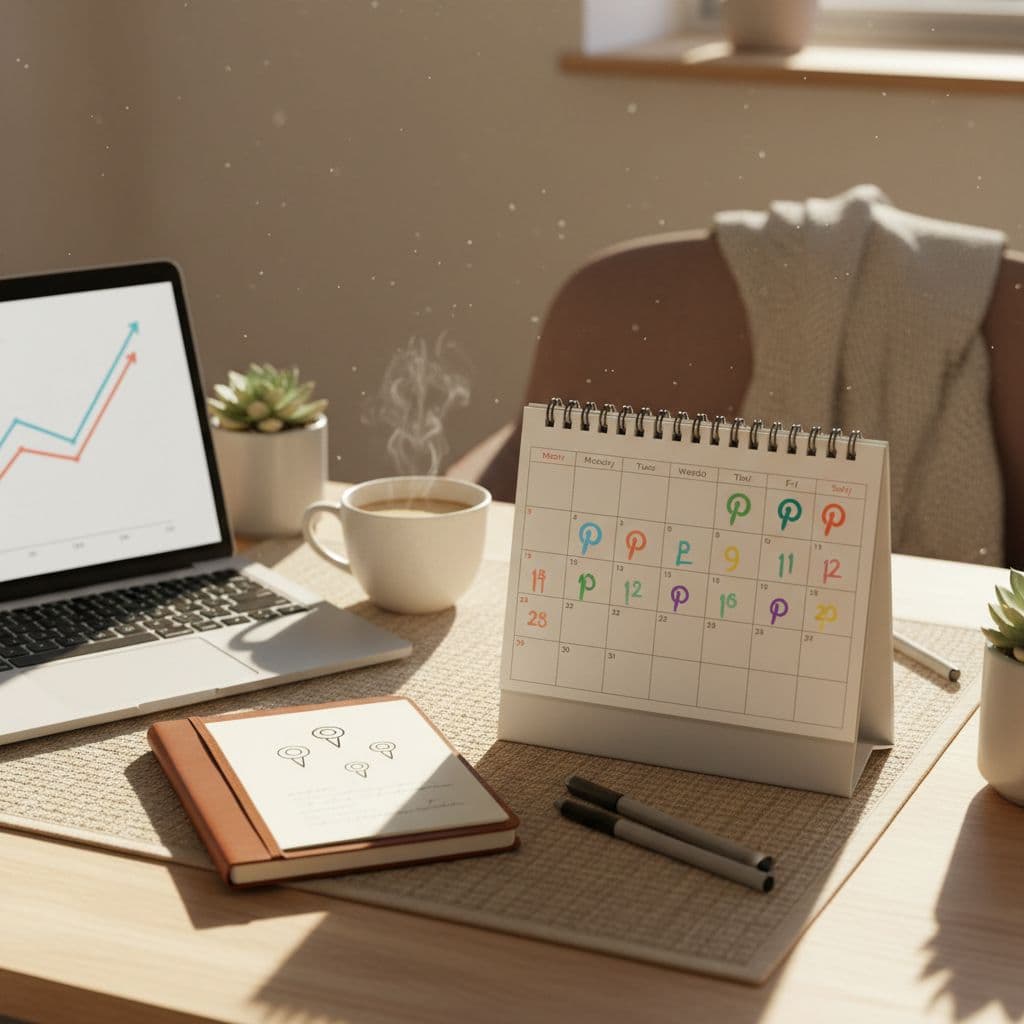
Every week, I check Pinterest Analytics. I care most about outbound clicks, saves, and top-performing topics.
If one pin gets saves but no clicks, the design may be fine but the promise may be weak. If another gets clicks, I make more pins around that same angle. I don’t keep chasing brand-new ideas while ignoring what already works.
That’s how small wins stack up. One good pin becomes three better ones. Then one topic becomes a content cluster. Over time, the account gets stronger without spending money.
Starting from zero on Pinterest is less about luck and more about repeatable habits. I’d set up a business account, choose one niche, join a few free affiliate programs, create a small batch of helpful pins, and post them on a steady schedule.
That may sound simple, and it is. Simple works when I keep going long enough for the pins to build momentum.
If you want to start, start small today. Pick one niche, make your first five pins, and let those early results teach you what to do next.